Assume Breach: How SMBs Contain Attacks Before They Spread
Most SMB breaches escalate because nothing contains the attacker. Three controls that stop one compromised account from becoming company-wide.
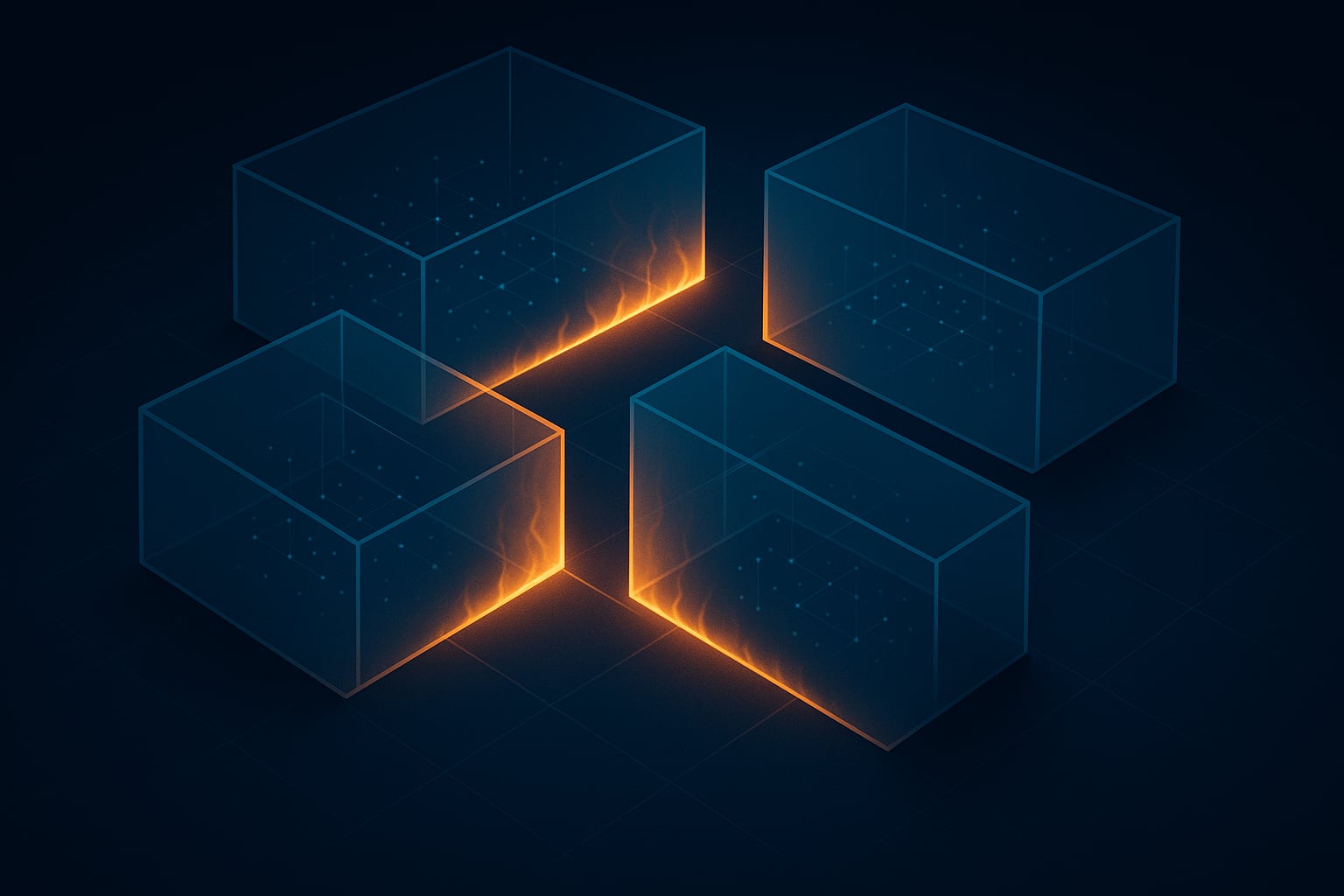
One compromised employee account should not give an attacker access to your backup servers, accounting system, and domain controller. But in most small business environments, it does. The typical 75-person company runs a flat network where every device can reach every other device, admin credentials are shared across systems, and the backup infrastructure sits on the same network as the workstations. When an attacker gets through that environment, there is nothing between the initial foothold and full control.
“Assume breach” is the security posture that plans for this reality. Instead of betting everything on keeping attackers out, you design your environment so that a compromised account or device causes limited damage. The goal is containment: bounding the blast radius of an incident so that your team has time to detect the intrusion and respond before the attacker reaches your critical systems.
This post is part of our cyber resilience roadmap for small businesses. Containment is the second shift, bridging the gap between identity hardening and recovery readiness.
Free Containment & Response Resources
These tools help you assess your current posture, build a containment plan, and prepare your team to respond when an incident hits.
Incident Response Playbook
A step-by-step playbook for SMBs to prepare for, detect, respond to, and recover from cybersecurity incidents.
TemplateCybersecurity Risk Assessment
Identify, evaluate, and prioritize cybersecurity risks across your infrastructure — including the access and segmentation gaps this post covers.
Roadmap90-Day Cybersecurity Roadmap
A phased plan to prioritize security initiatives and build containment controls over your first 90 days.
TemplateBusiness Continuity Plan
Build a business continuity plan that covers disaster recovery, communication protocols, and operational resilience.
What Assume Breach Looks Like at SMB Scale
Enterprise security teams build assume-breach programs with dedicated SOC analysts, SIEM platforms, and threat-hunting teams. Small businesses do not have those resources, and that is fine. The core concept scales down to three principles:
Limit what any single credential can access. If the attacker compromises one user’s account, what can that account reach? In most SMB environments, the answer is “too much.” Reducing that scope is the fastest way to limit blast radius.
Separate systems so that compromising one does not give access to another. Network segmentation creates internal boundaries that force an attacker to break through additional barriers instead of moving freely between systems.
Detect and respond faster than the attacker can spread. You do not need a 50-person SOC. You need monitoring that catches the specific behaviors attackers use after gaining initial access, and a response process that can isolate a compromised device in minutes rather than days.
Control 1: Least-Privilege Access
The most common finding in any cybersecurity risk assessment at a small business is excessive privileges. If you have not done one recently, our Cybersecurity Risk Assessment Template provides a structured starting point. Accounts that were given admin access for a one-time software install still have that access three years later. The IT person who left six months ago still has an active account with domain admin rights. Service accounts run with full admin privileges because that was the easiest way to configure them.
Every unnecessary admin account is an attack vector. Ransomware operators specifically hunt for domain admin credentials because those credentials let them disable security tools, access backup systems, and deploy encryption across every machine on the network. The fewer admin accounts that exist, the harder that hunt becomes.
Practical steps for a small business:
- Audit every account with admin access. We wrote a full guide on how to run an admin access audit. The short version: pull a list of all accounts with elevated privileges in Active Directory and Entra ID. For each one, ask whether that person still needs that access for their current role. Remove what is not justified.
- Separate daily-use and admin accounts. Your IT manager should use a standard account for email and browsing, and a separate admin account only when performing administrative tasks. This prevents a phishing email from immediately yielding admin credentials.
- Review access when employees leave. Offboarding gaps are one of the most common sources of lingering access. Automate account disablement tied to HR’s termination process.
Control 2: Network Segmentation That Protects What Matters
Network segmentation sounds complex, but for a small business, the minimum viable version is straightforward: separate your workstations, your servers, and your backup infrastructure into different network zones. A next-generation firewall enforces rules between these zones, controlling which traffic can pass between them.
The single most important segmentation decision is isolating your backup systems. Ransomware groups target backups because destroying them eliminates your ability to recover without paying. If your backup appliance sits on the same network segment as your workstations, an attacker who compromises a single laptop can reach and destroy your backups before you even know you have been breached.
For a 100-person company, practical segmentation typically means:
- Workstations on their own segment, with outbound access to business applications but no direct access to server infrastructure
- Servers (file servers, application servers, domain controllers) on a restricted segment that only accepts connections from authorized sources
- Backup and disaster recovery systems on an isolated segment with no inbound access from workstation or server segments, and access restricted to specific management interfaces
- Guest and IoT devices on a completely separate segment with no route to internal resources
This is not a six-month project. A managed security provider can design and implement basic segmentation in a matter of weeks, often using the firewall hardware you already own.
Control 3: Detection That Triggers Immediate Response
Containment only works if you know there is something to contain. The average time between initial access and detection in SMB environments exceeds 100 days according to multiple industry reports. By the time the breach is discovered, the attacker has had months to explore the network, exfiltrate data, and position ransomware for deployment.
Endpoint detection and response (EDR) closes that gap by monitoring every endpoint for the specific behaviors attackers use after gaining access: credential dumping, lateral movement attempts, PowerShell abuse, unauthorized access to LSASS memory, and other indicators that antivirus does not flag.
EDR alone is not enough. The tool generates alerts, but someone has to act on them. Our Incident Response Playbook defines the detection-to-containment process so your team knows exactly what to do when an alert fires. Managed detection and response (MDR) pairs EDR with a team of analysts who monitor alerts 24/7, investigate suspicious activity, and take immediate containment actions. When an analyst sees signs of lateral movement at 2 AM, they can isolate the compromised device from the network before the attacker reaches the next system.
The difference between EDR with MDR and EDR without it is stark. Our post on why EDR alone didn’t stop Akira ransomware covers a real-world example where companies with deployed EDR still got encrypted because no human reviewed the alerts fast enough.
Tying Containment to Recovery
Containment and recovery work together. Containment buys time. Recovery uses that time to restore operations from a known-clean state. If your blast radius is small (one user’s workstation, one network segment), recovery is a focused operation that takes hours instead of weeks. If your blast radius is the entire network, you are facing the kind of 60-day recovery timeline that puts businesses at existential risk. Our Ransomware Cost Calculator quantifies that exposure based on your revenue, headcount, and existing controls.
The companies that survive ransomware and business email compromise are not the ones with the largest security budgets. They are the ones that limited how far the attacker could go and how fast they could recover from the damage. If you do not have a documented recovery plan, our Business Continuity Plan Template covers disaster recovery, communication protocols, and operational resilience. Both containment and recovery are achievable at SMB scale, with the right controls and the right partner.
For the full picture of how containment fits alongside identity hardening and recovery readiness, read our cyber resilience roadmap for small businesses.
How Far Could an Attacker Get in Your Network?
Our cybersecurity risk assessment identifies the gaps in your containment controls and builds a plan to close them.
Get a Free Assessment