Databricks Workspace Entitlements Changed: Audit Provisioning Now
Databricks now requires explicit entitlements for new workspace principals. Audit SCIM, Terraform, clone groups, and service-principal access.
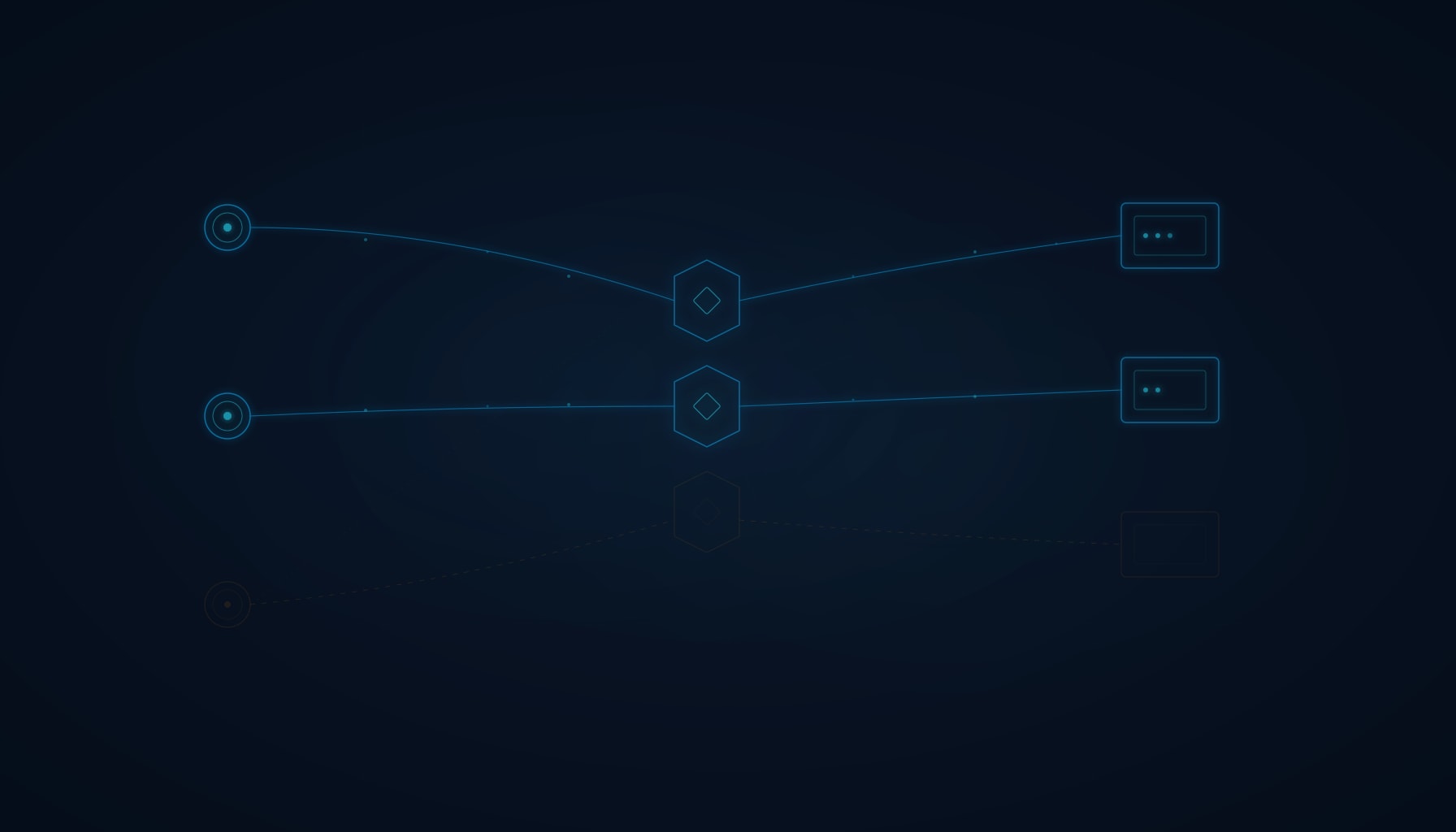
Databricks changed how users, groups, and service principals receive workspace access.
As of September 14, 2026, new principals no longer automatically inherit workspace or SQL access from the users system group. Existing access should be preserved through a workspace-local clone group, but Terraform, SCIM, and custom provisioning workflows may require changes.
The update creates a stronger foundation for least privilege. It can also expose automation that assumed workspace membership and workspace authority were the same thing.
Administrators should verify the migration, test every normal provisioning path, and confirm that service identities receive exactly the access their workloads require.
Key takeaways
What administrators need to know
- The revised entitlement model became mandatory on September 14.
- The
userssystem group now has no entitlements. - The
adminssystem group has all workspace entitlements. - Existing
usersentitlements migrate to a workspace-local clone group. - New principals must receive explicit entitlements when they are added.
What changed in Databricks workspace access?
Previously, every principal added to a workspace joined the users system group and inherited its entitlements.
Those default entitlements commonly included:
- Workspace access: The ability to create or use notebooks, jobs, models, pipelines, applications, and other workspace features.
- Databricks SQL access: The ability to use dashboards, queries, SQL warehouses, alerts, and related features.
Under the new model:
- The
usersgroup has no entitlements. - The
adminsgroup receives all workspace entitlements. - Neither system group’s entitlement settings can be changed.
- New principals receive only the entitlements explicitly selected when they are added.
The Databricks migration guidance says the change allows organizations to add consumer-only users without automatically granting authoring access.
Will existing users lose access?
Databricks designed the migration to preserve existing access.
Entitlements previously attached to users are moved to a workspace-local group named by default in the form:
users-clone-<TIMESTAMP>
Directly assigned users, service principals, and account groups are added to that clone group so they retain their previous entitlement level.
⚠ Clone group warning
The clone group is a normal, manageable group—not a locked system group. If it is deleted or its membership is changed by automation that does not recognize it, migrated entitlements will be lost.
Administrators should verify that:
- The clone group exists.
- Its entitlements match the former
usersconfiguration. - Directly assigned principals and account groups are represented.
- The
usersgroup has no entitlements. - The
adminsgroup has the expected entitlements. - Representative identities can still reach their required workloads.
A smaller displayed member count does not automatically mean users are missing. Databricks explains that an account group may appear as one direct member while still covering all of its indirect users.
Where can provisioning fail?
| Provisioning area | Potential issue |
|---|---|
| Terraform or custom scripts | Attempts to edit the locked users or admins entitlements can fail |
| SCIM synchronization | An unrecognized clone group may be deleted, removing migrated entitlements |
| Service-principal creation | A new identity may join the workspace without receiving the entitlement its workload needs |
| Broad compatibility groups | Existing access may remain operational but preserve more authority than users still require |
⚠ SCIM synchronization risk
SCIM—System for Cross-domain Identity Management—is commonly used to synchronize identities and groups from an organization's identity provider. If that synchronization deletes workspace-local groups it does not recognize, it may remove the clone group that preserves existing access. The platform migration may succeed while the organization's next identity synchronization causes the outage.
⚠ Service-principal access
New service principals no longer inherit workspace entitlements automatically. A service identity created after September 14 may join the workspace without receiving the entitlement its workload needs—causing job, pipeline, or API failures that appear unrelated to the migration.
What should Databricks administrators do now?
1. Inventory every access path
Document how users, account groups, workspace groups, and service principals enter each workspace.
Identify which processes use:
- Account-level or workspace-level SCIM.
- Terraform.
- Workspace APIs.
- Custom provisioning scripts.
- Manual administrator assignment.
Search automation for references to the users and admins system groups.
2. Verify and govern the clone group
Record the group’s:
- Name.
- Purpose.
- Owner.
- Membership.
- Entitlements.
- Provisioning exceptions.
- Review date.
Do not treat the clone group as temporary migration debris. It now participates in production access.
3. Test new identities through real workflows
Create controlled test principals through each normal provisioning path.
Test representative roles such as:
- Consumer-only user.
- Analyst.
- Workspace author.
- SQL user.
- Service principal.
- Automated job or pipeline identity.
Include negative testing. A consumer should not receive notebook-authoring or unrestricted compute authority merely because the person can view a shared dashboard.
4. Monitor for operational failures
Review:
- Provisioning errors.
- Failed jobs and pipelines.
- SQL authorization failures.
- API permission errors.
- Unexpected group deletion.
- Service-principal failures after September 14.
Distinguish workspace entitlements from data-object permissions. Workspace access does not automatically grant authority over every catalog, schema, table, model, secret, or connected cloud resource.
5. Reduce inherited privilege deliberately
The migration preserves existing access for continuity. It does not prove that every retained entitlement remains necessary.
Use the new model to move from one broad compatibility group toward account groups built around actual roles and workloads.
Provisioning should define:
- Whether the principal belongs in the workspace.
- Which workspace entitlement it needs.
- Which data objects it may access.
- Which workloads it may operate.
- Which actions must remain unavailable.
What are the business consequences?
Missing access can interrupt notebooks, scheduled jobs, dashboards, pipelines, models, and application integrations.
Excessive access creates the opposite problem. Users or service principals may receive authoring, SQL, or compute authority beyond their business need, increasing data exposure, cloud cost, and the impact of a compromised identity.
The objective is not simply to make yesterday’s configuration continue working. It is to preserve required operations while making access intentional.
The Infonaligy perspective
Identity migrations should be tested as business workflows—not only as directory configurations.
An accurate migration proves both sides:
- Existing users and workloads retain the access they require.
- New users and service principals do not receive authority by accident.
The evidence should connect the principal, group, entitlement, data permission, and actual workload outcome.
Infonaligy’s Cloud Infrastructure and Managed IT services help organizations connect identity changes with provisioning automation, workload continuity, monitoring, and governance.
Frequently asked questions
Databricks enforced the new behavior for all workspaces on September 14, 2026.
They should not. Existing users entitlements are migrated to a workspace-local clone group designed to preserve access.
It remains a system group but carries no entitlements under the new behavior.
No. The entitlement behavior of both the users and admins system groups is locked.
A synchronization process that deletes unrecognized workspace-local groups could remove the clone group preserving migrated access.
No. Workspace entitlements and permissions for catalogs, schemas, tables, models, secrets, and cloud resources are separate controls.
Databricks improved the access model—but every organization must still prove that its provisioning automation understands it. Infonaligy can help validate cloud identity, access, and workload continuity.
Serving Businesses Across Texas & Oklahoma