Construction Job-Site IT & Cybersecurity: A DFW Contractor's Guide
How DFW contractors can secure job-site networks, manage field devices, and protect project data from cyber threats.
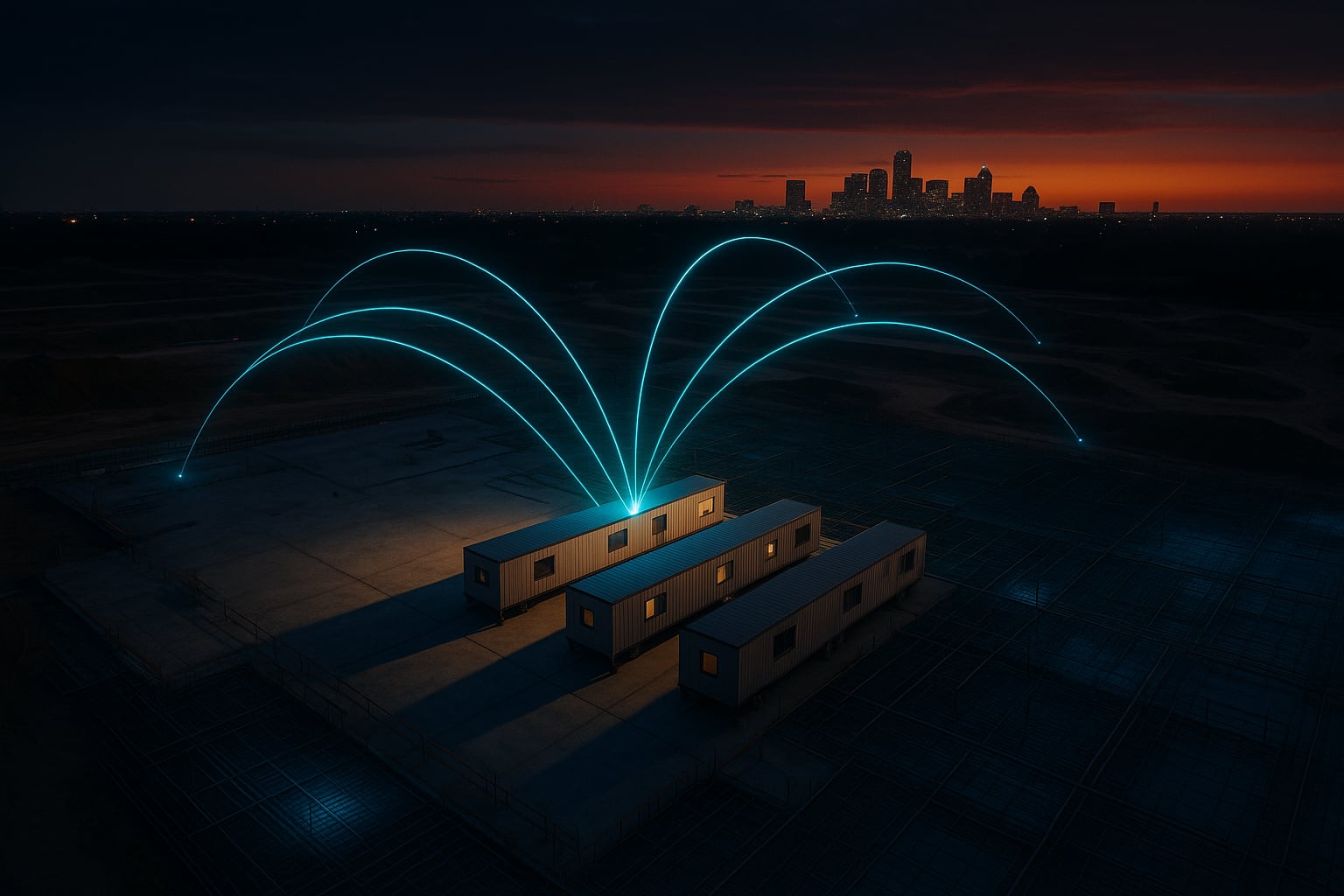
Every new jobsite is a temporary office that needs to be online in days, not weeks. For Dallas-Fort Worth general contractors running multiple active projects across the Metroplex, the IT challenge isn’t just keeping the back office humming. It’s getting reliable, secure connectivity to a concrete pad in Frisco that didn’t exist three months ago, then tearing it all down and redeploying it to a new site in Arlington.
This guide covers the field-side IT and cybersecurity problems that DFW contractors with 50 to 500 employees actually run into, and how to solve them without overbuilding or overspending.
Temporary Site Networking: Getting Connected Before the Drywall Goes Up
The first thing a superintendent asks for after the trailer lands is internet. Project managers need Procore and PlanGrid running on day one. Cameras need bandwidth. Inspectors need to pull plans on a tablet. None of that works without a network, and the permanent building connection is months away.
Most DFW jobsites start with cellular. An LTE or 5G gateway with external antennas mounted on the trailer gives you 50 to 200 Mbps depending on carrier coverage, which is enough for a crew of 10 to 15 people running cloud apps and pulling PDFs. For sites in denser parts of Dallas, Fort Worth, or the mid-cities corridor, carrier congestion during business hours can cut that in half. A dual-SIM or dual-carrier failover setup solves the worst of it by automatically switching to whichever carrier has the stronger signal.
The real complexity comes on larger projects that run 12 to 18 months. At some point, a hardline connection (fiber or fixed wireless from a local ISP) becomes cost-effective compared to monthly cellular data charges. The transition from cellular-only to a hybrid setup, where the hardline carries the bulk traffic and cellular serves as failover, needs to be planned from the start. That means deploying a router that supports both WAN types and policy-based failover, not swapping hardware mid-project.
Portable networking kits that travel from site to site are worth the upfront investment. A pelican case with a preconfigured router, a managed PoE switch, a weatherproof access point, and a cellular gateway can go from the truck to operational in under two hours. When the site wraps, the kit gets wiped, updated, and redeployed. Standardizing the hardware across all your sites also means your IT team or managed IT provider can troubleshoot remotely without guessing what’s in each trailer.
Ruggedized Equipment and DFW Weather
Office-grade networking equipment doesn’t survive a Texas summer in an un-air-conditioned job trailer. Internal temperatures can exceed 130 degrees when the AC cycles off over a weekend, and North Texas dust storms coat exposed gear in fine grit that clogs fans and vents within weeks. Winter isn’t much better. A sudden ice storm like the ones that hit DFW in early 2025 can knock out power for hours, and equipment without proper surge protection may not come back cleanly.
Industrial-rated access points and switches (IP67 or NEMA 4X rated) handle temperature swings and dust without the premature failures you’ll see from consumer-grade gear. They cost more per unit, but the math changes quickly when you factor in the cost of a site visit to replace a dead switch on a Saturday, plus the downtime for a crew that can’t access plans or submit daily reports.
Battery backup matters too. A small UPS in each trailer keeps the network running through the short power interruptions that are common on active construction sites, where temporary power panels get bumped, tripped, or overloaded. For camera systems and access points mounted outside the trailer, PoE switches with surge protection prevent the kind of cascading failures where a single electrical event takes out three cameras and the AP they’re connected to.
Managing Devices Across a Mobile Workforce
A mid-size DFW contractor might have 40 to 80 company-issued tablets and phones in the field at any given time, spread across five or six active jobsites. Superintendents use iPads running Procore for daily logs and RFIs. Foremen pull up plans in PlanGrid or Bluebeam on Android tablets. Project engineers submit inspection photos from their phones. Each of those devices holds project data, login credentials, and access to cloud platforms that contain bid information, contracts, and financial records.
Mobile device management (MDM) isn’t optional at this scale. A proper MDM platform like Microsoft Intune or Jamf lets you push app updates, enforce encryption and screen lock policies, and remotely wipe a device that gets left on a jobsite or stolen from a truck. Without MDM, a lost iPad with a saved Procore login is an open door to every active project’s documents, submittals, and change orders.
The enrollment process matters more than most contractors realize. If setting up a new tablet requires a 45-minute manual configuration by someone in the office, devices sit in a drawer instead of getting deployed. Zero-touch enrollment, where a device pulls its configuration automatically the first time it connects to the internet, gets tablets into the field the same day they arrive. That speed matters when you’re onboarding a new super or replacing a cracked screen mid-project.
Subcontractor Access and Network Segmentation
On any given DFW commercial project, you might have 15 to 30 subcontractors on site. Electricians, plumbers, HVAC crews, concrete teams, and specialty trades all show up with their own phones, tablets, and sometimes laptops. They’ll ask for the Wi-Fi password within the first hour. Giving every sub full access to the same network your project managers use is a security problem that most GCs don’t think about until something goes wrong.
Network segmentation solves this cleanly. Your jobsite router or access point should broadcast at least two SSIDs: one for your company’s managed devices with access to internal resources, and a separate guest network for subcontractors that only provides internet access. The guest network should be bandwidth-throttled so a crew of drywallers streaming music doesn’t choke out your PM’s Procore sync, and it should be isolated from your internal VLAN so nothing on the guest side can reach your file shares, cameras, or management interfaces.
For subs who need access to shared project files, a cloud-based document platform with scoped permissions is far safer than putting them on your network. Procore, Autodesk Construction Cloud, and similar platforms let you grant view or upload access to specific project folders without exposing anything else. When the sub’s scope is complete, you revoke access. That’s much cleaner than trying to manage network-level access for dozens of trades rotating through a 14-month project.
Cybersecurity Threats That Target the Jobsite
Construction firms are high-value targets for cybercriminals, and the attacks increasingly target field operations, not just the accounting department. Three threats deserve specific attention from DFW contractors.
Business email compromise on change orders and pay applications. An attacker compromises or spoofs a subcontractor’s email and sends a revised W-9 with new banking details, or intercepts a pay application and modifies the ACH routing information. The GC’s AP team processes the payment, and the money goes to the attacker. These scams have cost individual construction companies six and seven figures. The defense is a verification protocol: any change to banking information requires a phone call to a known number, not the number on the new W-9, before processing.
Phishing targeting project managers. PMs are high-value targets because they have broad access to project data, financial information, and communication with owners and subs. A phishing email disguised as a Procore notification or a plan room invitation is far more convincing to a PM than a generic “verify your account” message. Multi-factor authentication (MFA) on every cloud platform is the baseline. Security awareness training that uses construction-specific phishing simulations, not generic corporate examples, is what actually changes behavior.
Unsecured jobsite cameras. IP cameras on construction sites serve a legitimate purpose for progress documentation, theft prevention, and safety monitoring. But cameras with default credentials or no encryption are an entry point into the site network. If the camera system sits on the same network segment as everything else, compromising a camera can give an attacker a foothold to reach project files, email, or VPN connections back to the main office. Every camera should have its credentials changed from the factory default, firmware kept current, and traffic isolated on its own VLAN. A managed cybersecurity approach treats cameras as endpoints that need the same attention as any other networked device.
Planning for Teardown and Redeployment
The IT lifecycle on a construction project has a phase that office environments never deal with: teardown. When a project reaches substantial completion and the trailers are scheduled for pickup, every piece of IT equipment needs to be recovered, wiped, inventoried, and prepared for the next deployment.
An equipment tracking spreadsheet sounds simple, but it breaks down quickly when you have six active sites and gear moving between them. A basic asset management system, even a shared list in your project management platform, should track each device’s serial number, current site assignment, configuration profile, and warranty status. When a site wraps, the IT checklist should include recovering all networking gear and cameras, wiping and re-imaging any tablets or laptops that were site-assigned, revoking all site-specific credentials and VPN profiles, and verifying that cloud platform access for that project’s subs has been removed.
The redeployment side matters equally. If your portable networking kit comes back from a site and sits on a shelf for three weeks before the next project starts, that’s three weeks of firmware updates and security patches it missed. Standardizing a “return and refresh” process, where equipment gets updated and tested before it’s cleared for redeployment, prevents the situation where a known vulnerability rides along to the next jobsite because nobody patched the router while it was in storage.
This lifecycle approach also feeds into budgeting. Knowing the actual utilization rate of your field IT equipment helps you decide whether to buy additional kits for growing project volume or whether you’re carrying more inventory than you need. That kind of data-driven planning is the difference between treating jobsite IT as a recurring headache and treating it as a managed part of your operations, on par with fleet maintenance or tool tracking.
For contractors who have already dealt with the pain of a ransomware incident or an unmanaged IT environment, the field side of the house is usually the last area to get formalized. But it’s also where the gaps are widest. Getting the jobsite connectivity and security fundamentals right across all your active projects is what turns IT from a site-by-site scramble into a repeatable system.
Need IT That Works on the Jobsite?
We help DFW contractors deploy secure, reliable technology from the trailer to the back office.
Get a Free AssessmentServing Businesses Across Texas & Oklahoma